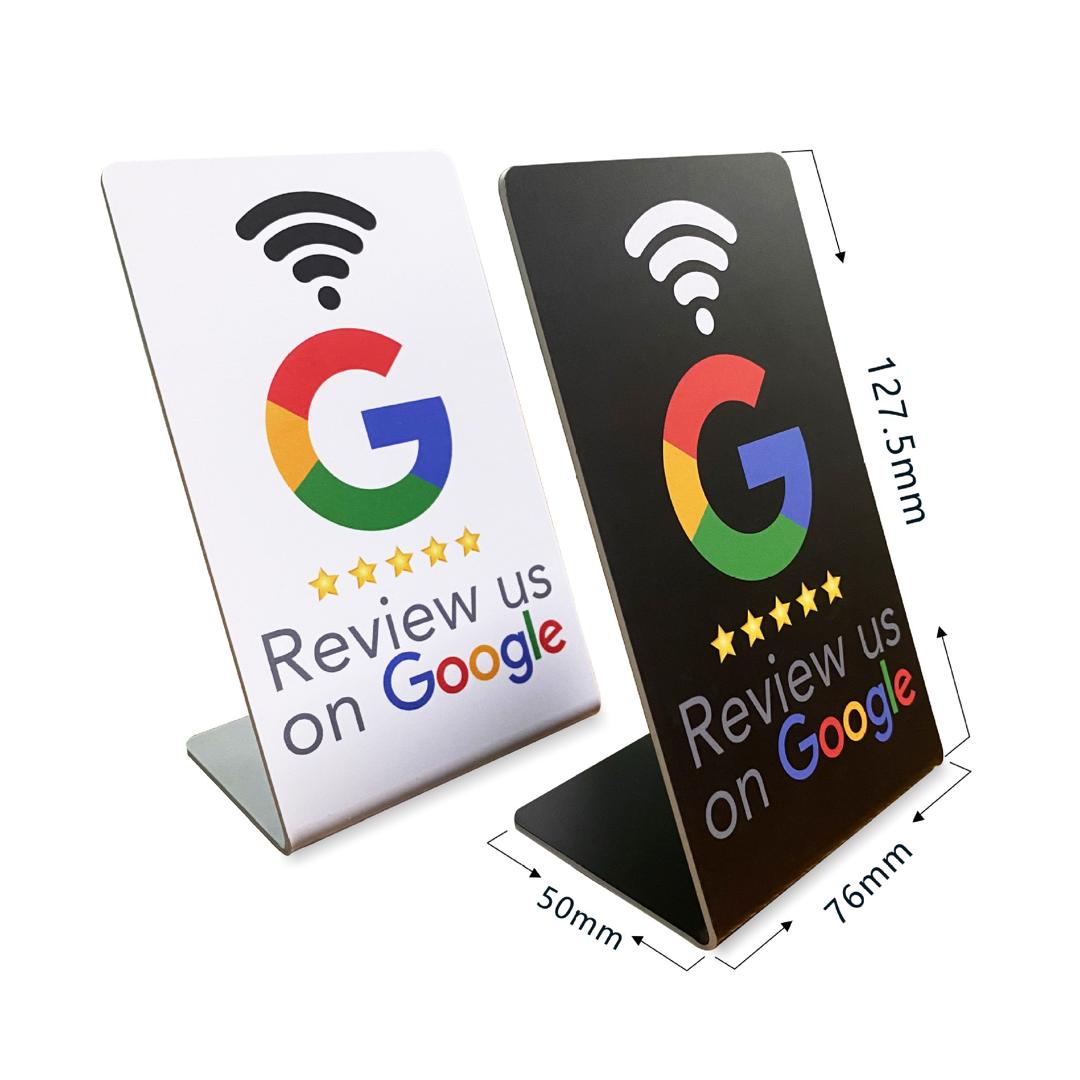
KL Ready Stock Easy Simple NFC tap review Google Business Buyer Customer Review Acrylic Stand QR CODE NFC Shop Restaurant
KL Ready Stock Easy Simple NFC tap review Google Business Buyer Customer Review Acrylic Stand QR CODE NFC Shop Restaurant
Regular price
$4.12 USD
Regular price
$4.12 USD
Sale price
$4.12 USD
Quantity
Couldn't load pickup availability
25 in stock
Grow your business with Google Business Review Acrylic Stand, improve customer with good user experience. Hassle free leave with good review to make your shop in high rating shop in google. Drive your shop with organic traffic to the top ranking in Google search.
Dear buyer, if you required we bind the Google Business Review Link for you (please take note this is not your Google Maps link or Google search Link), upon u place order, you can send us your link we can bind for you before ship out. If you can't get your Google Business Review Link do contact us we will guide you how to obtain it.
Don't worry you can actually bind it yourself too, it is very simple. After you receive the order, kindly contact us we will guide you how to do.
Please note, we are NOT doing the custom design or custom made to order.
As our Google Review Stand comes with Pre-printed QR code, you don't need to provide us you QR code as you generated from your home pages. Whenever you required us to bind the link with the pre-printed QR code do provide us your Link, we will do it for you.
- Tap & Review easily
- Powered by NFC
- Can customize QR CODE (Choose: NFC + QR Code Design)
How to customize:
1. After order [NFC + QR CODE DESIGN]
2. Send us the link OR the qr code to your business review page
3. We will design for you based on the link / qr code you provide.
--------------------------------------------------
VERY IMPORTANT!! The nfc tag is not written yet, you may write or edit yourself as you wish.
- To write the NFC tag, follow the instructions below:
1. Ensure Your Phone Supports NFC:
- Go to your phone's settings.
- Look for "NFC" and enable it if it's not already enabled.
2. Enable NFC:
- Go to your phone's settings.
- Turn on NFC.
3. Download an NFC app:
- Go to your app store.
- Download "NFC Tools" or a similar app.
4. Open the App:
- Launch the NFC Tools app.
- Prepare the Link:
- Copy the link you want to write to the NFC tag.
- Write the NFC Tag:
- In the app, select "Write."
- Choose “Add a record.”
- Select “URL/Link.”
- Paste the link.
- Tap “Write.”
- Hold your phone near the NFC tag (Which is on the board, you make look for the location of the sticker behind the board if you cant find)
5. Test the NFC Tag:
- Tap the NFC tag with your phone to ensure it opens the link.
That's it! You've written an NFC tag with a link using your phone. 

View full details